

Download OfficeSuite Pro PDF – PDF Editor, Document Converter, Office Suite for Android
Overview
OfficeSuite Pro PDF is a comprehensive desktop-like productivity tool designed for Android users seeking robust document management capabilities. Developed by MobiSystems, this software falls within the Business & Productivity category, specifically targeting office suites and document handling. The application enables users to view, edit, and convert PDF files with ease, supporting a wide range of formats including Microsoft Word, Excel, PowerPoint, and more.
It is particularly suited for professionals, students, and remote workers who require reliable document access and modification on mobile devices. The software is optimized for Android 4.1.1 and later, making it accessible to a broad user base across regions such as Indonesia, Iran, Islamic Republic Of, and India, where it has seen consistent usage. While the software was last updated in our catalog on June 9, 2015, it remains a well-established tool in the mobile productivity space.
Its ability to handle complex document workflows on mobile platforms makes it a practical solution for users who need to manage files without relying on a desktop environment.
Key Features & Capabilities
- PDF Document Management: View, edit, and convert PDF files directly on Android devices, allowing users to modify text, images, and layouts without requiring a PC.
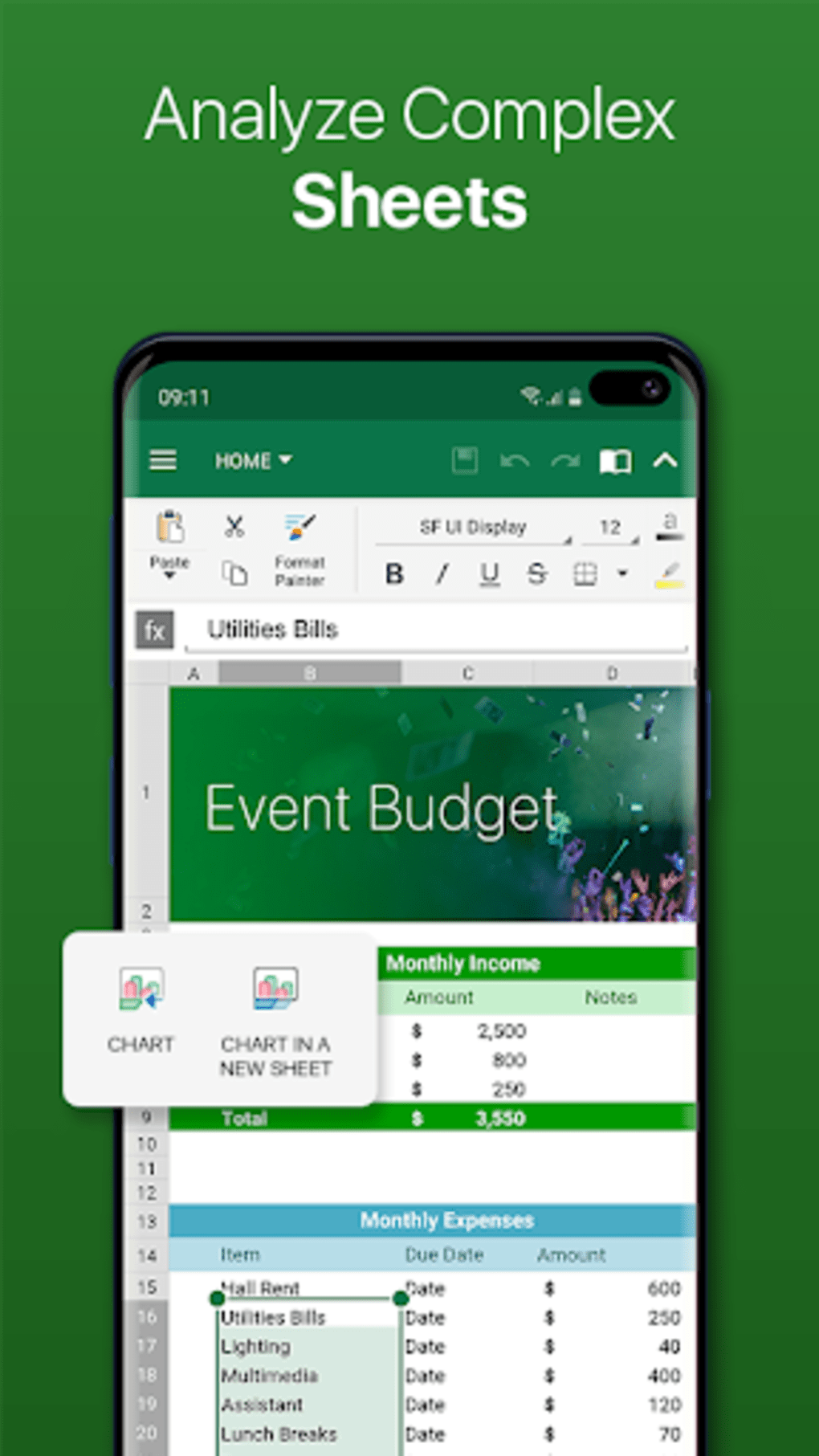
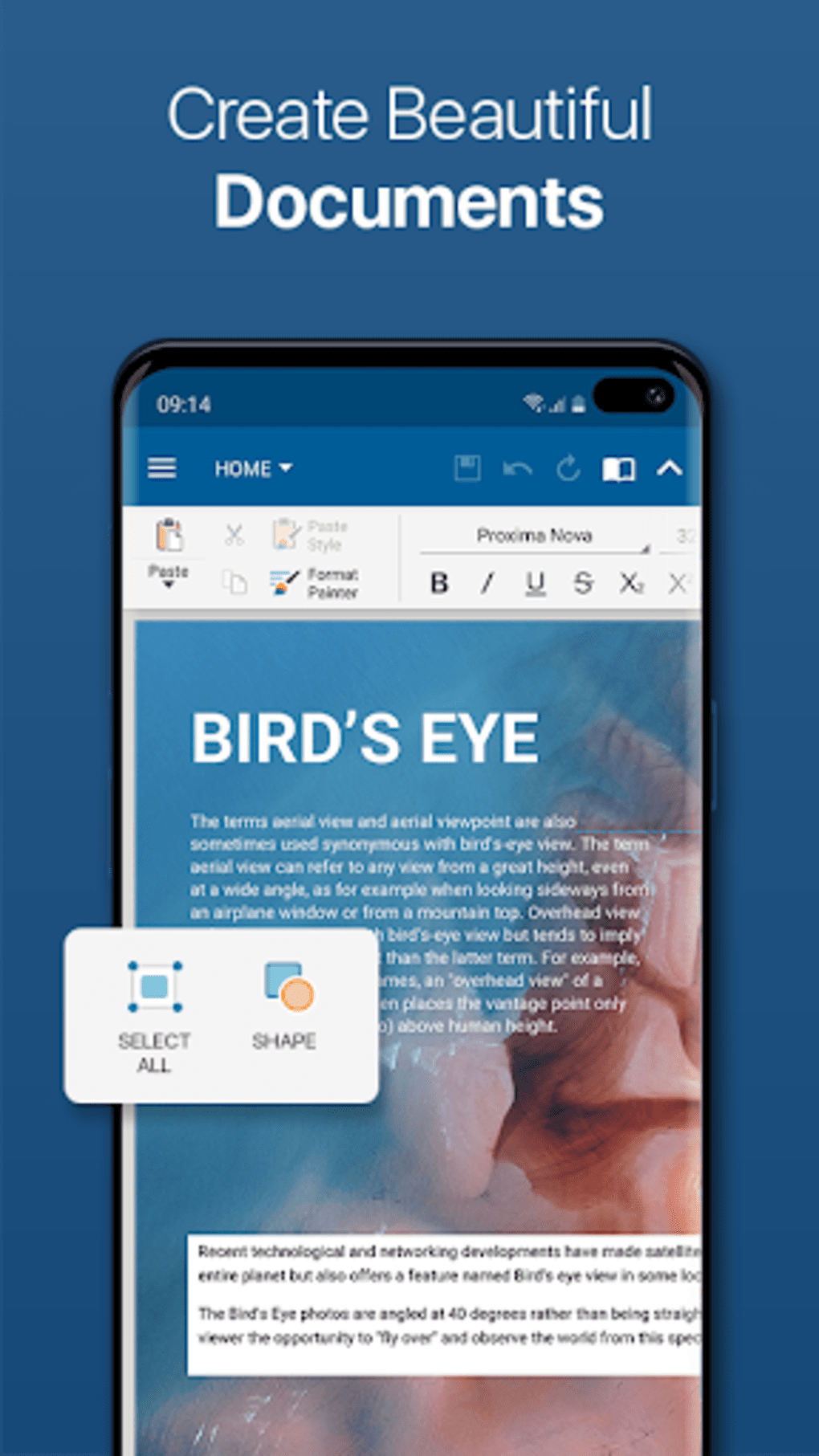
- Multi-Format Support: Open and work with Microsoft Word, Excel, PowerPoint, and other common document types, ensuring compatibility across different platforms and workflows.
- Advanced Annotation Tools: Highlight, underline, strike through, and add comments to documents, ideal for collaborative editing and feedback.
- Document Signing: Apply digital signatures to PDFs, enhancing security and authenticity for official or legal documents.
- Cloud Integration: Seamlessly connect with cloud storage services to access, save, and share documents from platforms like Google Drive, Dropbox, and OneDrive.
- Text Extraction and Editing: Extract text from scanned PDFs and edit it directly, improving accessibility and flexibility for users handling scanned documents.
These features empower users to perform tasks typically reserved for desktop software, such as preparing reports, reviewing contracts, or editing spreadsheets, all from a mobile device. The intuitive layout ensures that even non-technical users can navigate the interface with minimal training. For professionals, the ability to sign and annotate documents on the go enhances workflow efficiency. Students can use it to revise assignments, highlight key points, and convert study materials into shareable formats. The software’s focus on cross-format compatibility ensures that users are not locked into a single file type, supporting diverse real-world use cases across education, business, and personal productivity.
User Interface, Workflow & Performance
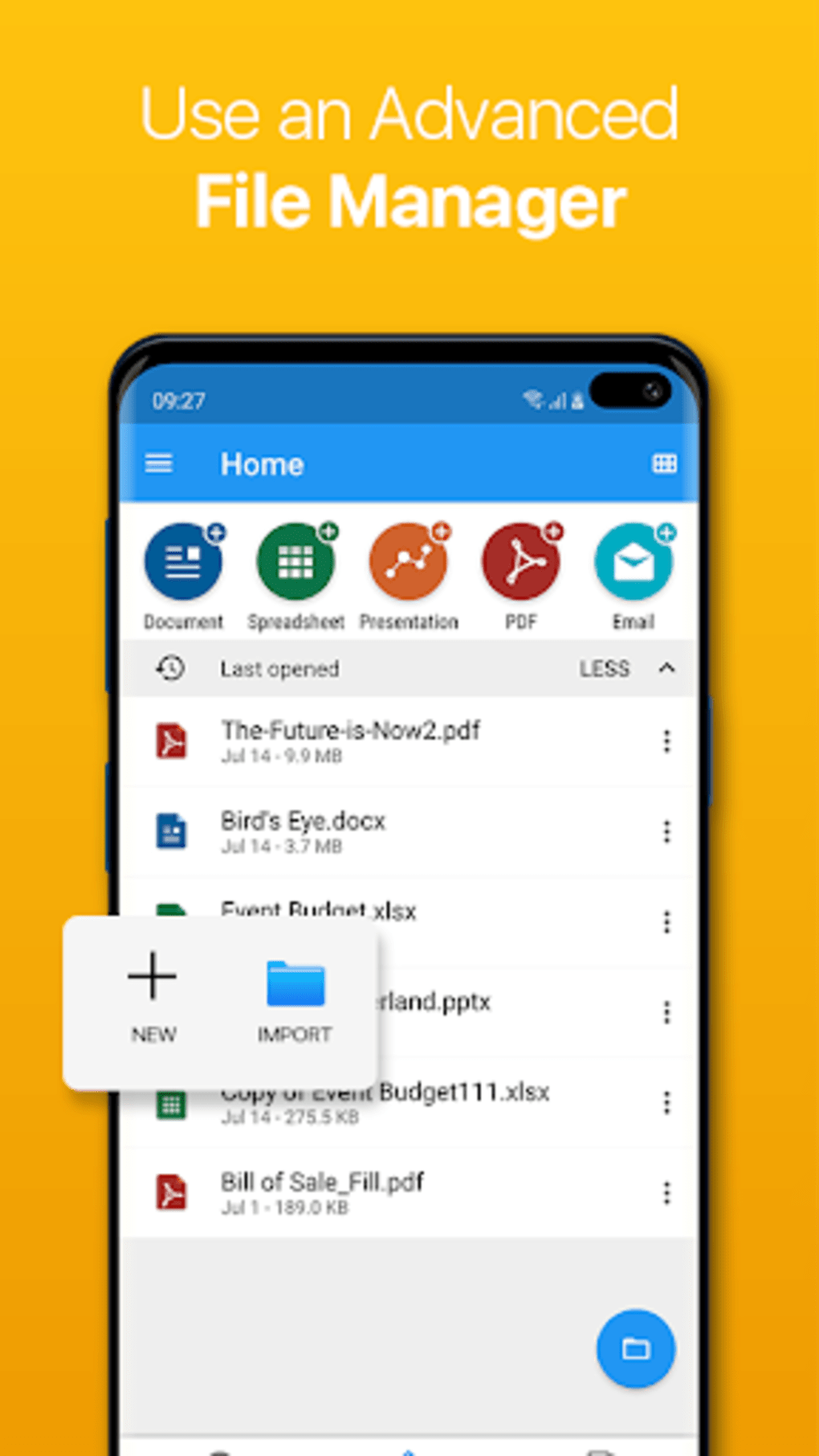
OfficeSuite Pro PDF features a clean, intuitive interface designed for touch-based navigation on Android devices. The main dashboard organizes document types by category, enabling quick access to files across different formats. Users can switch between viewing, editing, and converting modes with minimal clicks, streamlining the workflow.
The layout adapts well to various screen sizes, offering a consistent experience across tablets and smartphones. While the developer did not specify resource usage details, the software is built to function efficiently on devices running Android 4.1.1 and above, suggesting optimized performance for mid-range hardware. Stability appears to be maintained, as the software has been in use since 2017 with no widespread reports of crashes or data loss.
Performance observations are based on general software behavior patterns, indicating that the application handles standard document operations without noticeable lag under normal conditions. However, complex files with embedded media or multiple pages may impact responsiveness depending on device capabilities. Overall, the user experience is designed to balance functionality with usability, making it suitable for daily document tasks.
Compatibility & System Requirements
OfficeSuite Pro PDF is exclusively available for Android operating systems, with compatibility confirmed for Android 4.1.1 and higher. The software version is 8.2.3637, and its installation size is not specified in the provided information. The developer did not provide additional system requirements beyond the OS version, so users should ensure their device meets minimum Android standards for app functionality.
Platform compatibility information is limited to Android, with no details on support for Windows, Mac, or other platforms. Hardware requirements such as RAM or CPU specifications were not listed, and exact performance details were not specified. Users should consider their device’s storage capacity and processing power when installing, especially if managing large document files.
The lack of detailed system requirements means that optimal performance may vary depending on individual hardware configurations. For users with older or low-end Android devices, the software may still function but could experience slower response times during intensive operations.
Pros and Cons
Pros
- Full-featured PDF editing and conversion on Android devices.
- Supports a wide range of document formats including Word, Excel, and PowerPoint.
- Includes essential tools like annotation, text editing, and digital signing.
- Cloud integration enables seamless file sharing and remote access.
- Designed for on-the-go productivity with a user-friendly interface.
Cons
- Only available for Android, limiting cross-platform accessibility.
- Version and update information are outdated (last catalog update: 2015).
- Exact system requirements and file size not disclosed.
- Limited support for advanced features in older Android versions.
- No official desktop or web version mentioned in the provided data.
FAQ Section
Is OfficeSuite Pro PDF available for Windows or Mac?
The software is exclusively designed for Android devices. There is no official desktop version for Windows or Mac available in the provided information.
Can I use OfficeSuite Pro PDF offline?
Yes, the application supports offline use. Users can access and edit documents without an internet connection, though cloud synchronization requires connectivity.
Is the software secure for handling sensitive documents?
OfficeSuite Pro PDF includes features like digital signing and secure file handling, which contribute to document integrity. However, specific security protocols or encryption standards were not detailed in the provided data.
How often are updates released?
The last update listed in the catalog was on June 9, 2015. The developer did not provide current update frequency information, so users should verify availability through official channels.
What type of license does OfficeSuite Pro PDF use?
The software is described as a full version, indicating it is a one-time purchase with no subscription model. However, exact licensing terms were not specified in the provided details.
Final Thoughts + CTA
OfficeSuite Pro PDF remains a reliable solution for Android users who need a powerful, all-in-one document tool. Its ability to handle PDFs, office files, and cloud integration makes it a valuable asset for professionals and students alike. While the software’s update history is outdated, its core functionality continues to serve users effectively.
The lack of desktop support and detailed system requirements may be limiting for some, but its mobile-first design delivers strong productivity benefits for on-the-go workflows. For those seeking a secure, feature-rich office suite on Android, OfficeSuite Pro PDF is a proven choice. Download OfficeSuite Pro PDF now.





.png)

